
For independent takeaways
The back of house, on one phone.
Staff hours, food-safety records, pay and delivery invoices — for takeaways that currently run all four on paper.
Your staff's location is read once, when they check in or out — and never tracked.
The paperwork
Four jobs nobody trained you for.
They all land on whoever runs the place.
- 01
Rota and hours
The rota, and the hours people actually worked.
- 02
The day's checks
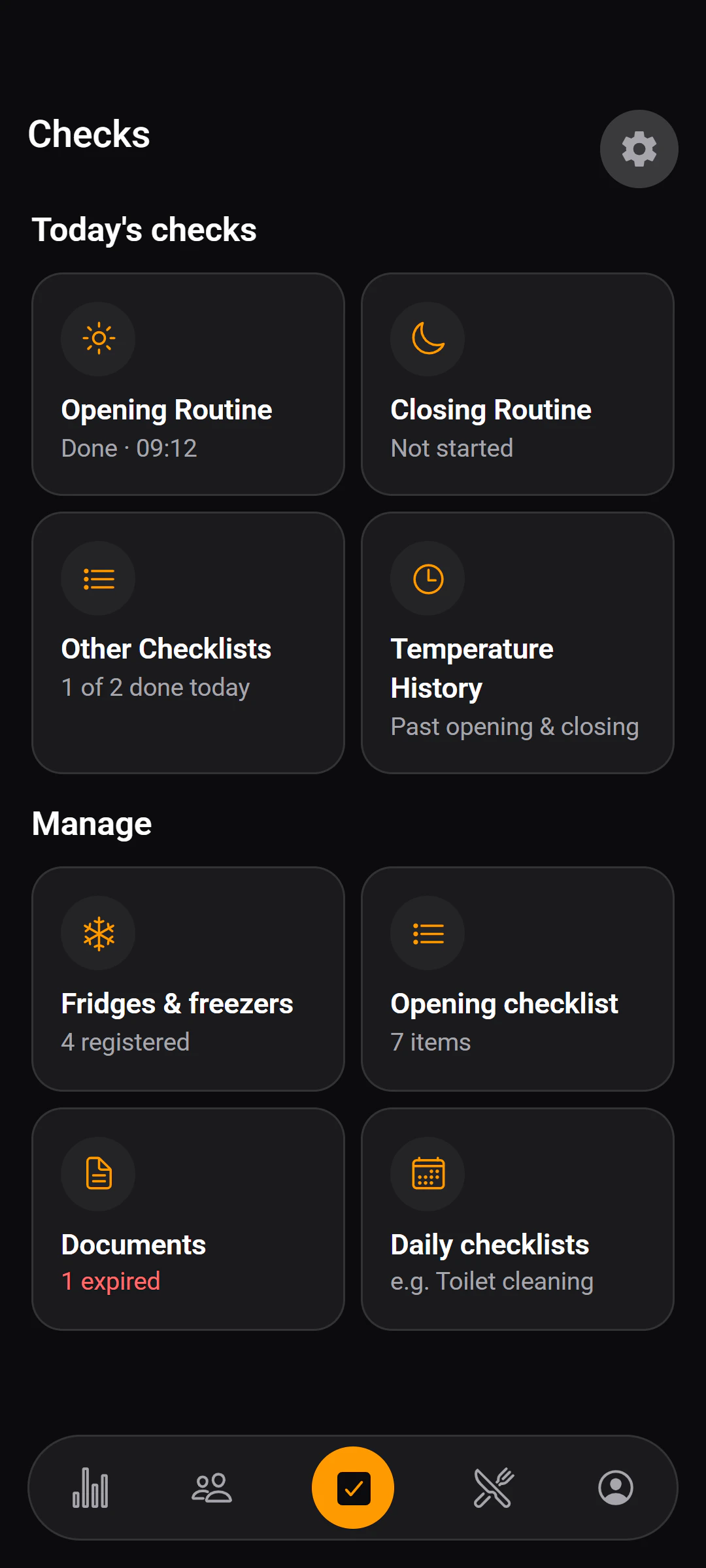
Fridge temperatures, opening, closing and cleaning — done and written down.
- 03
What everyone is owed
Turning a fortnight of hours into what each person gets paid.
- 04
What deliveries cost
What came in, from whom, and what it actually cost.
What it does
One app for all four.
Staff use it on their own phones. You run it from yours.
- Attendance
Clocked in where they are, not where they say
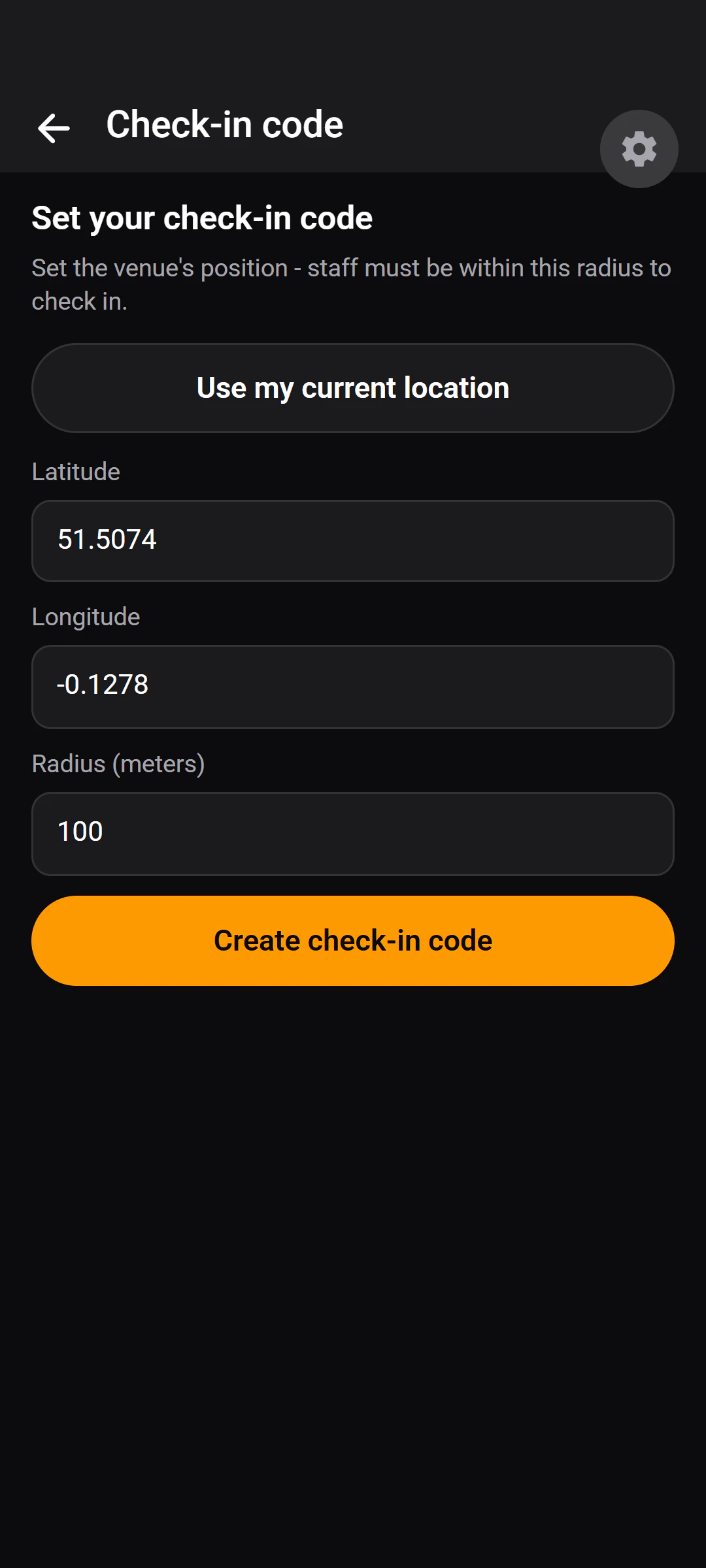
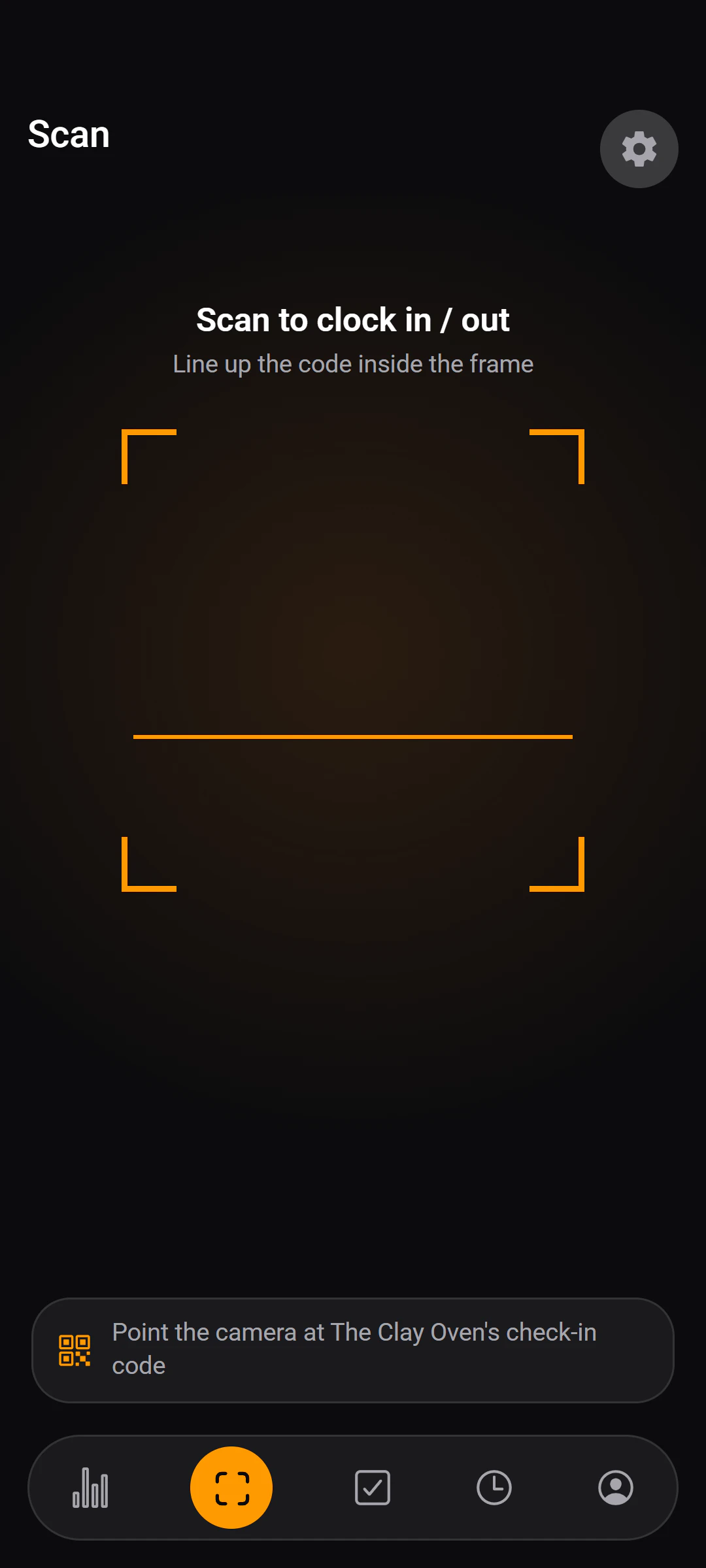
A QR code at the door and the phone's position. Outside the radius you set, it says no — and says by how far.
More on attendance - Compliance
The checks, as they happen
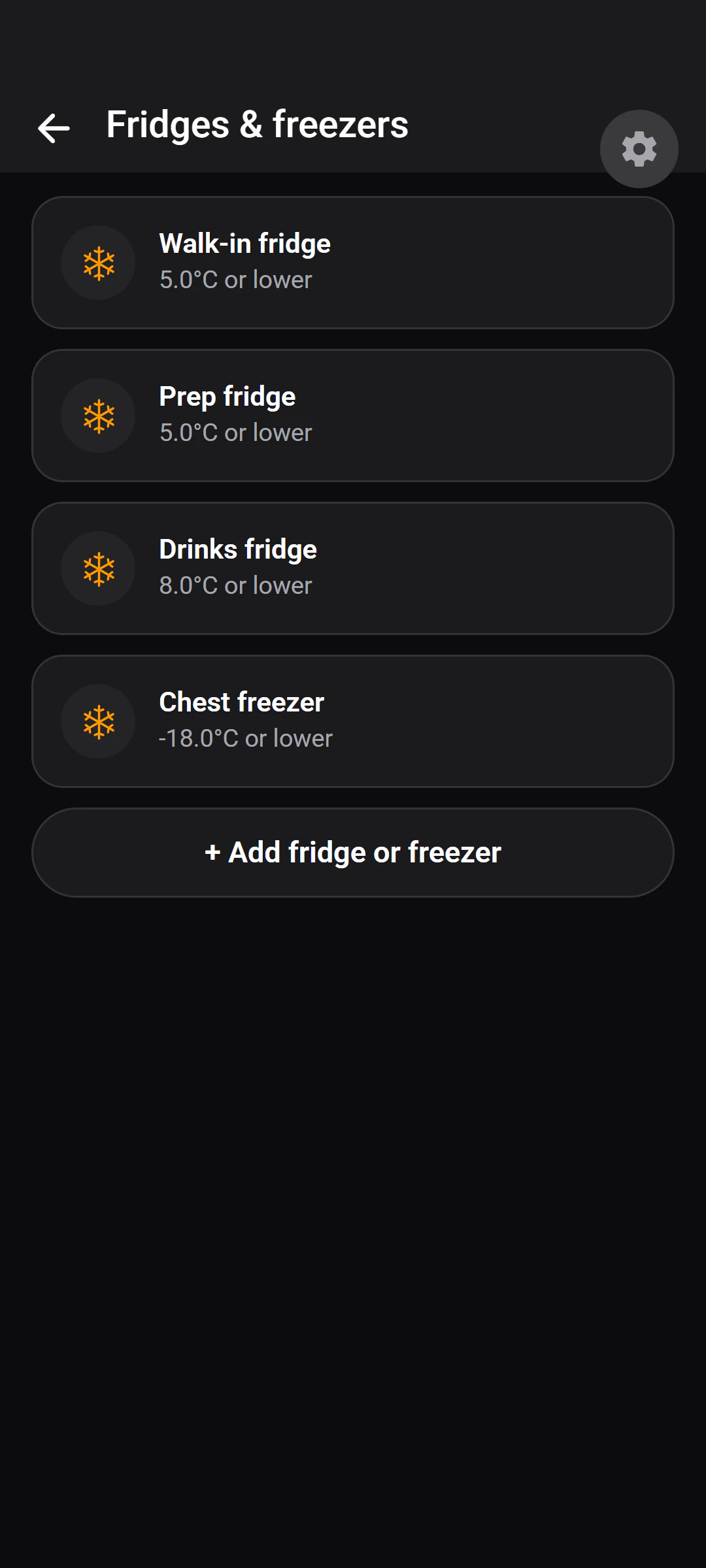
Fridge temperatures, opening and closing checklists, named cleaning lists. Each one stamped with who and when.
More on compliance - Invoices
Photograph it. Check it. Done.
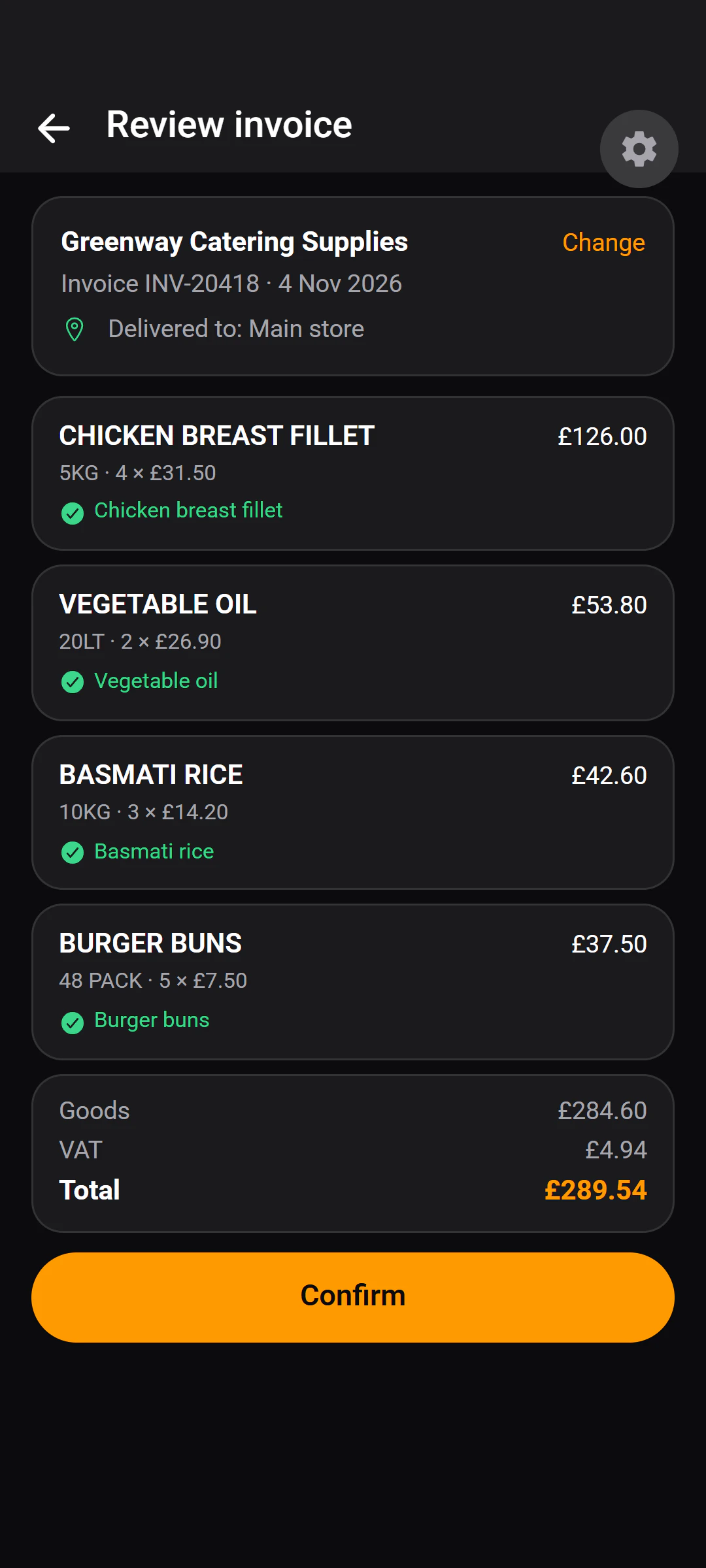
A delivery note becomes line items, matched to what you already buy, and updates stock and spend once you confirm.
More on invoices - Pay
Hours become pay, with the working shown
Fortnightly periods built from recorded attendance. Rate changes never rewrite a closed period.
See pay in features
Invoice scanning
The delivery note types itself.
Photograph it, check what it read, and the stock and spend take care of themselves.
Nothing reaches your stock until you confirm it.
Step 1
Photograph it
Take a photo of the delivery note, choose one from the gallery, or upload the supplier's PDF.
Step 2
Check what it read
Each line is matched to something you already buy. A line that can't be matched waits for you to match it.
Step 3
Stock and spend, updated
Once you press Confirm, quantities move into stock and the spend lands against each product.
How it works
Three steps, then it runs.
No web dashboard to learn: a printed code at the door, and the app on each person's iPhone.
Put a code on the door.
Print your venue's QR code, set where it is from your phone, and choose how close staff need to be to check in.Add your fridges, checklists and team.
Register each fridge and freezer, write your opening, closing and cleaning lists in your own words, and share one invite code with your staff.Everyone works their shift; the records build themselves.
Check-ins, temperatures, completed checks and delivery notes are recorded as the work happens — each with who and when.
What it isn't.
- Not a till or ordering system.
- Built for one restaurant, not a chain.
- Needs a connection today.
Questions
The awkward ones, answered first.
No. Invisiko is not a till, point-of-sale or ordering system.
There are no menus, customer orders or card payments in it. It runs the back of house: staff hours, food-safety records, pay and delivery invoices.
Not today. Invisiko needs an internet connection to check someone in, record a check or read an invoice.
If the connection drops, the app says so plainly and offers to try again.
It checks where the phone says it is. Staff scan a QR code printed at your door, and the phone sends its position with the scan.
Invisiko works out the distance from your venue. Outside the radius you set — 100 metres unless you change it — the check-in is refused, and the message says how far away the phone is.
It relies on the position the phone reports, so it is a check rather than a guarantee. Location is read once, at check-in or check-out, and never tracked continuously.
You correct it before it counts. Every scanned invoice is a draft until a person reviews it.
Each line has to be matched to one of your stock items, and nothing reaches your stock or spend until someone presses Confirm. Lines whose price could not be read are counted separately rather than treated as zero.
If an invoice cannot be read at all, the upload is kept so the lines can be entered by hand.
Want to try it in your kitchen?
Tell us about your place. A person reads every request and replies by email.